Contents Menu Expand Light mode Dark mode Auto light/dark mode
Sosse 1.14 documentation
Logo
Sosse 1.14 documentation

🐾 Contents:

  • Sosse Documentation
  • Installation
    • Debian install
    • Debian upgrades
    • Pip install
    • Pip upgrades
    • Running in Docker
    • Docker upgrades
    • Running in Docker-compose
    • Docker-compose upgrades
  • Administration
    • Administration interface
    • 🌐 Crawl a new URL
    • βœ” Crawl queue
    • πŸ•· Crawlers
    • πŸ“Š Analytics
    • ⚑ Collections
    • Atom and RSS feeds
    • πŸ”€ Documents
    • ⭐ Tags
    • πŸ•Έ Domains
    • πŸͺ Cookies
    • πŸ“‘ Webhooks
    • 🧩 Mime Plugins
    • πŸ”— Excluded URLs
    • πŸ” External Search Engines
    • πŸ‘₯ Permissions
  • Guides
    • Website indexing & Search
    • Types of Archives
    • Convert an RSS feed into Summaries Using a Webhook and Local AI
    • Automatically Tagging Promotions and Deals with AI and Webhooks
    • Extracting Metadata from Public Procurement with JavaScript
    • Monitor Websites for Specific Keywords
    • Crawling an Authenticated Website
    • File Downloads
    • Guidelines for Ethical Use
    • Dealing with Captchas
  • Configuration file reference
  • Command Line Interface
  • User documentation
    • Searches
    • External search engine shortcuts
    • Search Engine shortcut defaults
    • Profile
    • History
    • Offline browsing, archived pages
    • Rest API
  • Screenshots
  • Changelog
Back to top

Rest APIΒΆ

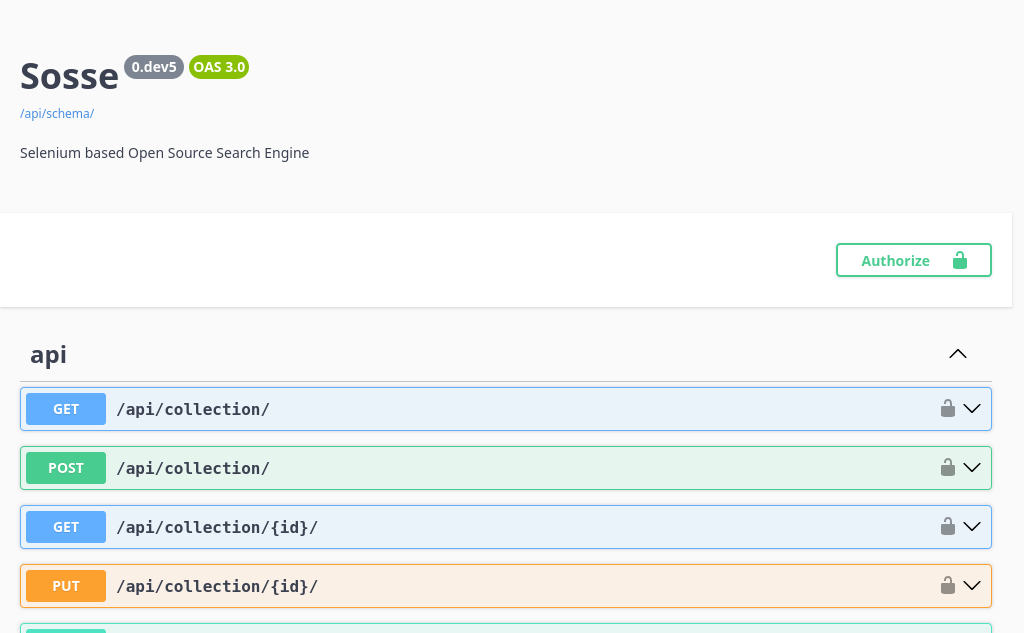
../_images/swagger.png

A rest API is available, it can be explored with a Swagger user interface. It’s reachable from the Administration interface, by selecting Rest API.
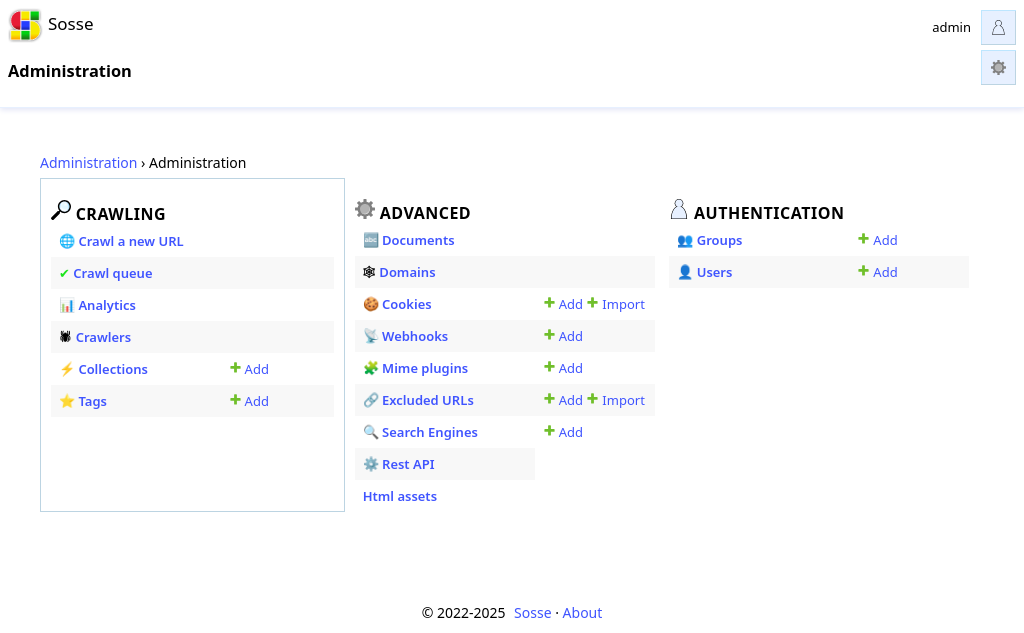
../_images/admin_ui.png
πŸ” Search discussions πŸ’¬ Discuss this page πŸ§‘β€πŸ’Ό Get professional support
Next
Screenshots
Previous
Offline browsing, archived pages
Copyright © 2022-2025, Laurent Defert
Made with Sphinx and @pradyunsg's Furo