⭐ Tags
The tagging system allows for efficient searching and categorization of documents by associating them with tags. Tags can be assigned to documents during the crawling process based on Crawl Policies, or they can be manually added or edited in the Archive page of Documents.
Tags can be accessed by clicking Tags from the Administration interface.
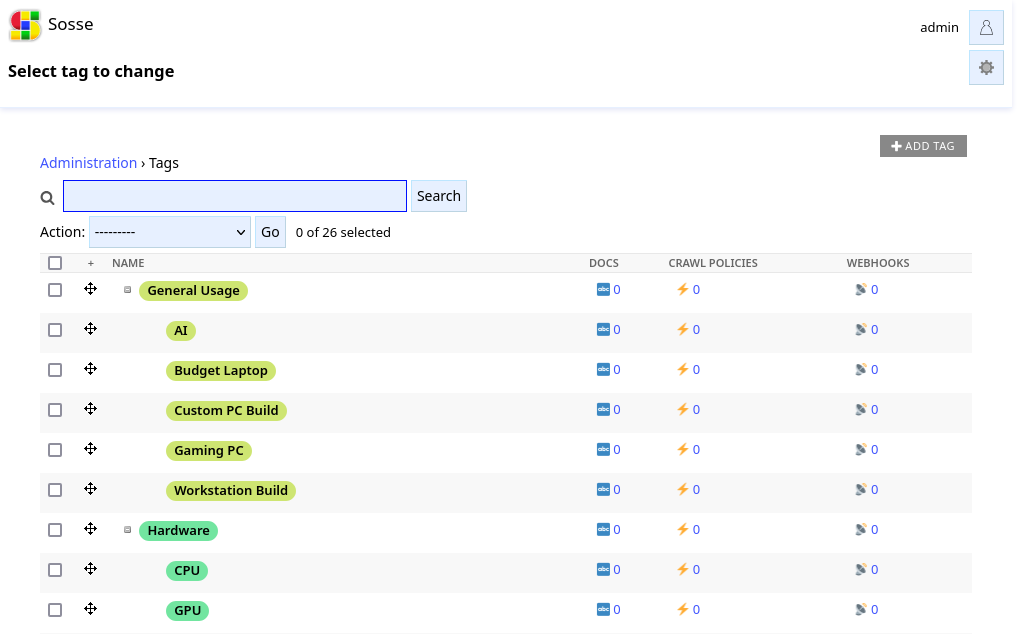
Tags can be modified through the admin interface by selecting a tag and updating its properties:
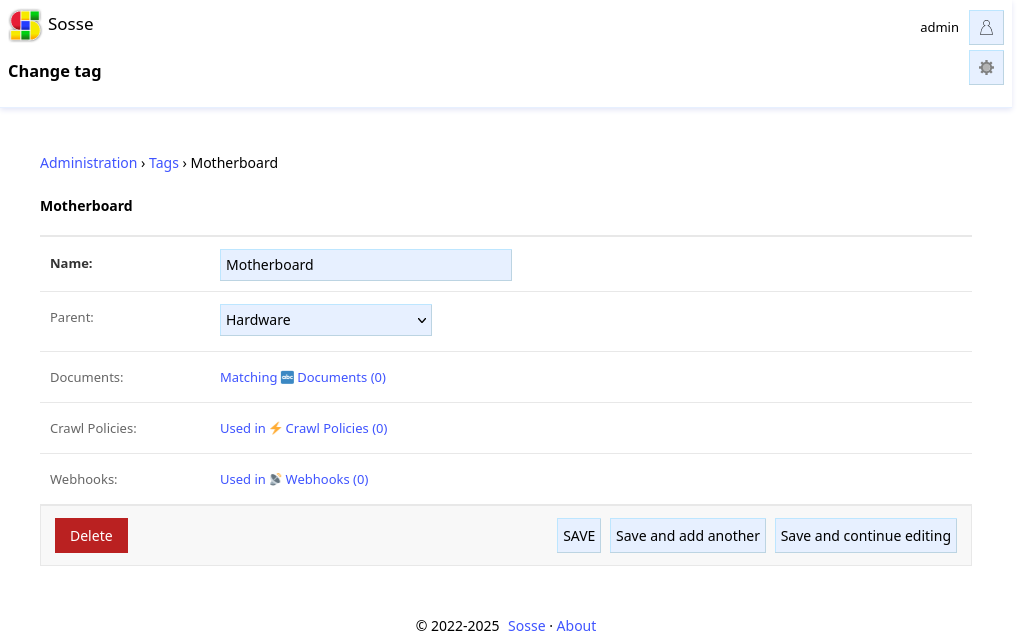
Editable Fields:
Name: The label of the tag.
Parent: Allows organizing tags into a hierarchical structure by selecting a parent tag.
Documents: A link to the admin interface showing all documents associated with the tag.
Crawl Policies: A link to the admin interface showing all crawl policies that assign this tag.